Logging in...

Simply enter in your username (the first part of your email address eg jbloggs) and enter your password. If you have forgotten your password, click on the forgotten password link.

Passwords and Username are case sensitive

Recording Time...

  1. Click on "Time"
  2. Select a date from the calendar (Not required if using todays date)
  3. Select a Project and a Task from the dropdown lists,
  4. Input a start and finish time in hours and minutes (24 hour clock)
  5. Add a note (if required)
  6. Click "Submit" to save your recording.

If you are recording A/L, Flexi, Breaks or Sickness please use the "Other" under Projects.

Reports and Charts

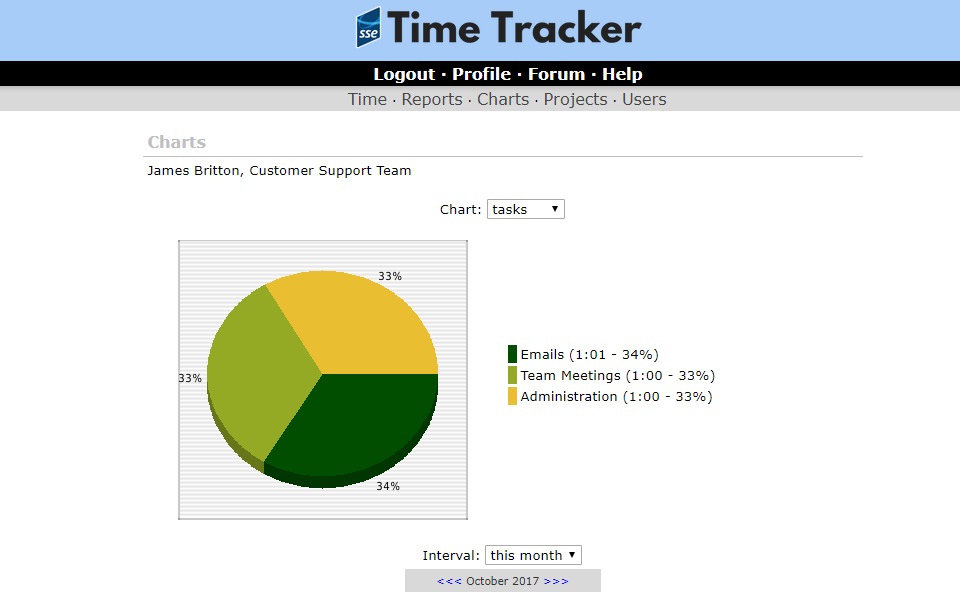
Every user can use the system to view reports and charts to see how their time has been broken down. Users with Manager access can view reports and charts for their whole team.

If you have any questions about how to use the website, please contact James Britton - jabritton@somerset.gov.uk